Initial plan
A list of words is cycled through. The user is asked if each one is spelled correctly.
Target audience
Primarily primary school children.
Screens
Menu
A choice is presented with different difficulty levels for different ages.
Perhaps also length of game can be chosen.
Quiz
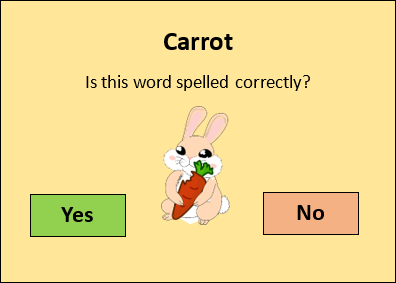
A word is presented to the user, along with a relevant image. The appropriate button must be clicked to choose whether the word is spelled correctly or incorrectly. If the user makes the right choice, they earn a point.
Score
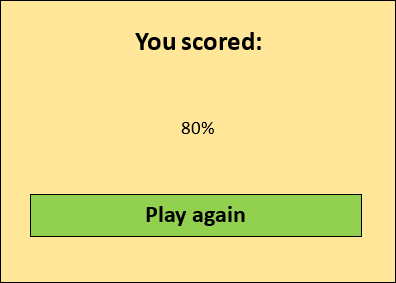
At the end of the game, the user is presented with their score.
Journal
27/01/2023
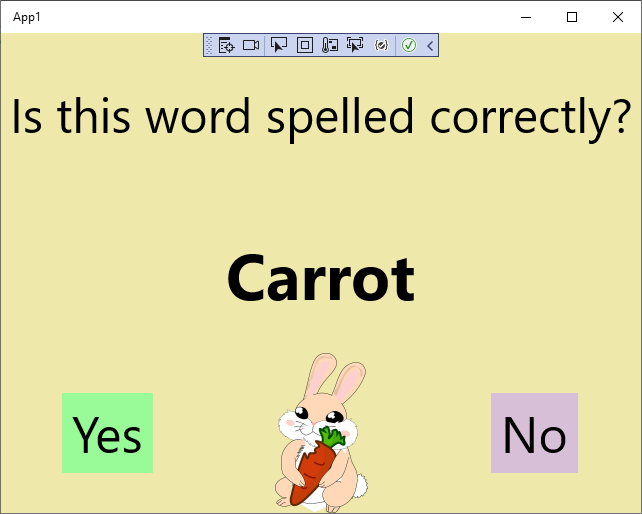
• Added text, buttons and an image.
• Most text is responsive to window size.
• Window defaults to 640×480.
03/02/2023
- Set metadata – Display title, app icon, etc.
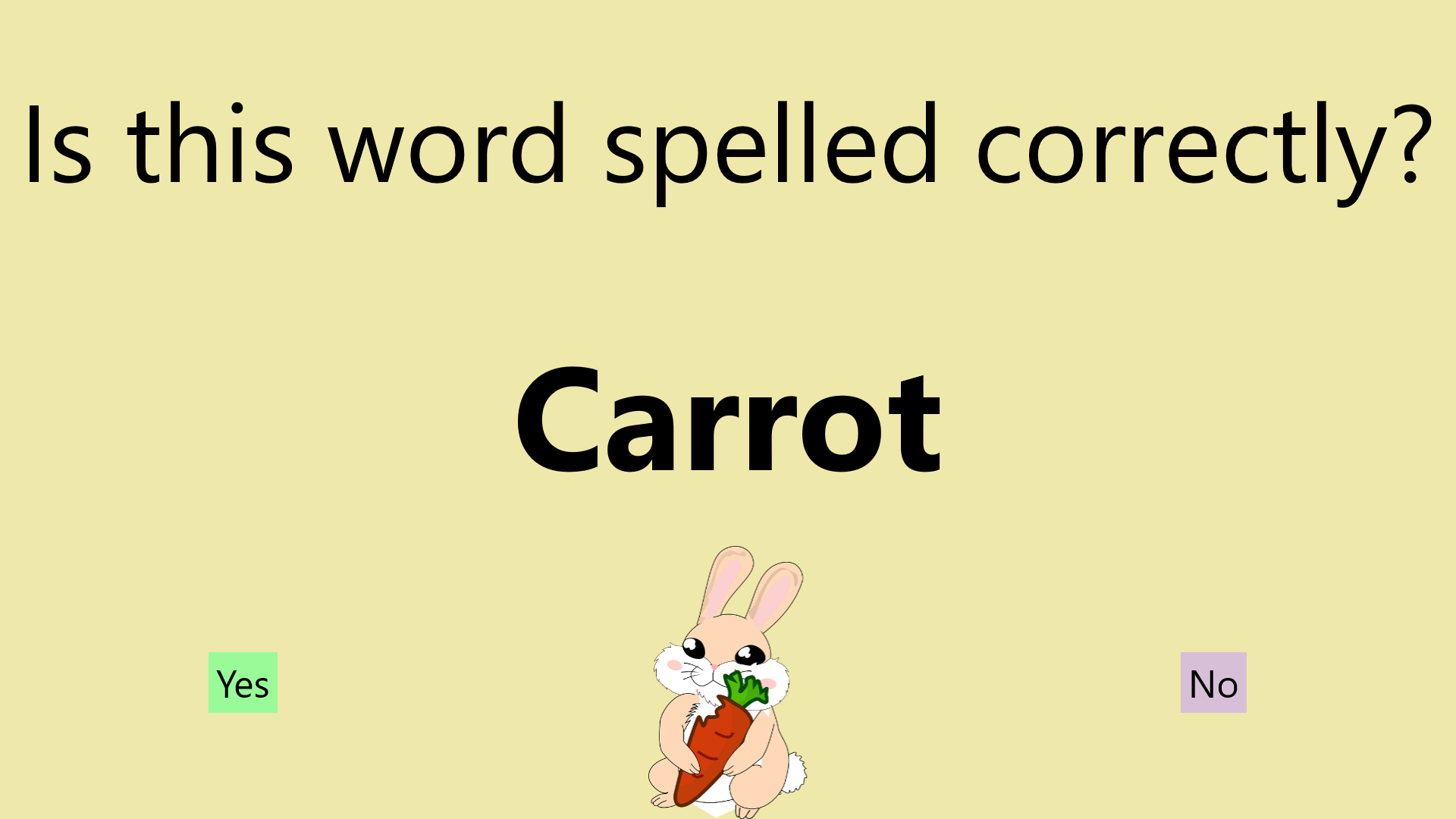
- Program now launches in full screen. This keeps the target audience (children) focused and makes it harder for them to escape.
- Added event handlers for Yes and No buttons.
- Speech Synthesis Markup Language
17/02/2023
- Created spreadsheet of 30 words across 3 difficulty levels (10 each).
- Added an image for each word to the project.
24/02/2023
- Changed project minimum version from “Windows 10, version 1809” to “Windows 10”.
- If required for specific features, the minimum version will be raised again.
- 10/03/2023 update: Turns out buttons can be rounded on 1809 and rectangular on pre-1809. Win-win!
- But it seems to set to “Windows 10 Creators Update” instead. That’s 6 years old, so fine.
- https://learn.microsoft.com/en-us/windows/uwp/updates-and-versions/choose-a-uwp-version
- Target version is still “Windows 10, version 2004”.
- If required for specific features, the minimum version will be raised again.
- Added a test project.
- This may need moving to the D drive and Build -> Rebuild Solution to work due to the college’s Windows Security rules.
27/02/2023
- Added hints to the spreadsheet.
- Level 3’s hints are even more useless than the rest of them, because level 3 is designed to be challenging. This represents progression through life, somehow. It’s always okay to ask for help, but, at a certain point in life, the answers you receive may not be useful.
03/03/2023
- Changed project minimum version from “Windows 10” to “Windows 10, version 15063”.
- This allows buttons to have rounded corners.
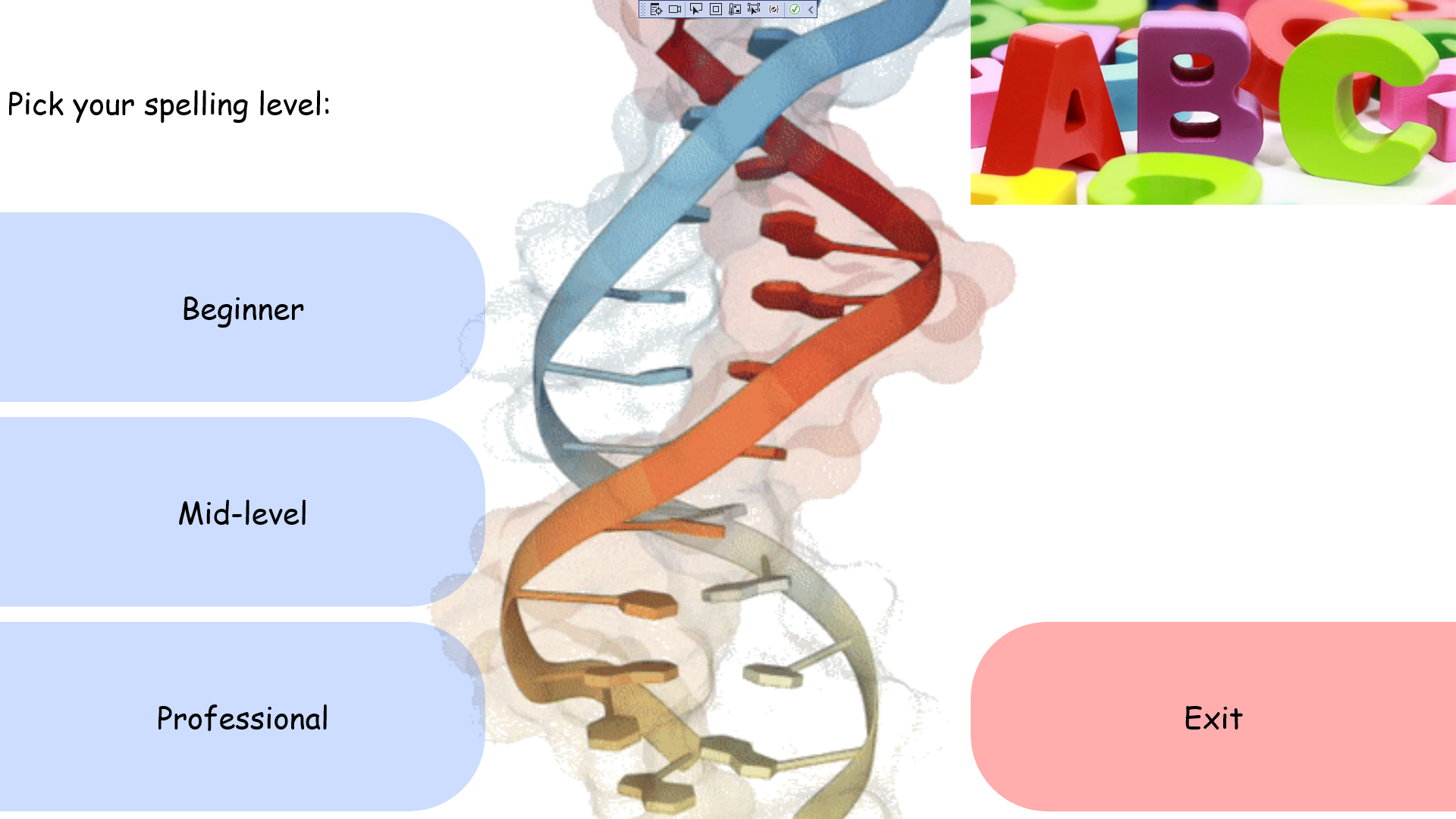
- Added main menu to select difficulty level.
- Added difficulty level buttons to main menu.
- Clicking these navigates to the play page, passing the chosen difficulty level to it.
- Added exit button to main menu.
- This creates a ContentDialog with Yes and No buttons.
- If Yes is selected, the application closes.
- If No is selected, the dialogue closes but the application remains.
- https://commons.wikimedia.org/wiki/File:DNA_Orbit_Animated_Clean.gif
- Exported spreadsheet as TSV and added to project assets.
- Renamed MainPage to PlayPage, as it is no longer the main page.
10/03/2022
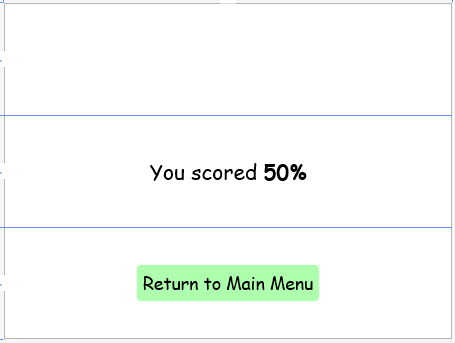
- Create results page layout.
- Added credits button to main menu.
- Improved the exit dialogue by insulting the user.
The main menu’s background hue and lightness now depends on the mouse cursor’s position. Fun!
17/03/2023
- Changed PlayPage font to Comic Sans MS to match the other pages.
- Added WordData class.
- Improved Talk() in many ways. Waits to finish before moving to the next word.
- Yes/No buttons are now greyed-out while it tells the user if they are correct and how the word is spelled.
24/03/2023
- Changed assembly information.
- Fixed truncated assets – accessory, charcuterie, entrepreneur, island, rhythm, tree.
- Might be disk issue – some unrelated system programs have file system errors.
- Simplify SpeechSynthesizer and SpeechSynthesisStream names.
- The main menu now chatters incessantly.
- Sped up voice speed on “you did it” or “the correct spelling is” page.
- Fix issue with it advancing two words at once.
- Make the play page use multiple cursors.
- Custom cursors are too much work to add in UWP, so system cursors it is!
- A score is now passed into the results page.
21/04/2023
- Added FontSizeHelper class.
- MainMenu font sizes now scale with window size.
- PlayPage font scaling has been improved.
- “You did it” and “The correct spelling is” changes colour to better reflect whether the answer was correct.
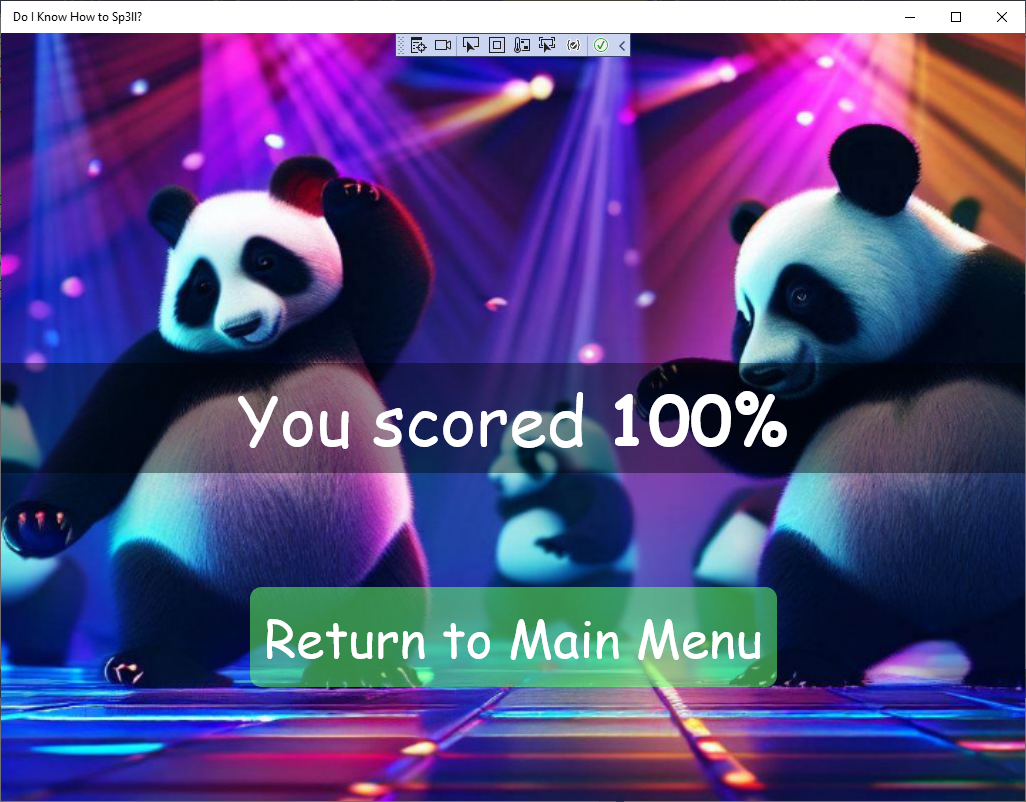
- There is now a celebratory graphic on the results page.
- Easy difficulty gets pandas.
- Medium difficulty gets highland cows.
- Hard difficulty gets genetically modified bears.
- Made cursors more consistent throughout the application.
28/04/2023
- Added RequestedTheme=”Light” to App.xaml.
- Previously, dark mode users would be faced with issues such as white text (instead of black) on a pale background.
- Removed icons larger than 204KB due to app package limitations.
- Square150x150Logo
- Wide310x150Logo
- LargeTile
- Minimum version “Windows 10 Fall Creators Update” so unit testing and ARM64 builds work.
- Altered main menu button padding.
- Screenshots and other preparations for distribution outside college.
- Note: Will change name in Assembly Information -> Company and MainMenu.xaml.cs for public release.
- Fixed bug where it the narrator sometimes speaks twice.
- Apparently setting a MediaElement source automatically plays it, which was playing in conjunction with a MediaPlayer, occasionally going out of sync.
- Fixed bug where main menu background colour was based on the cursor position across the entire screen instead of the window itself.
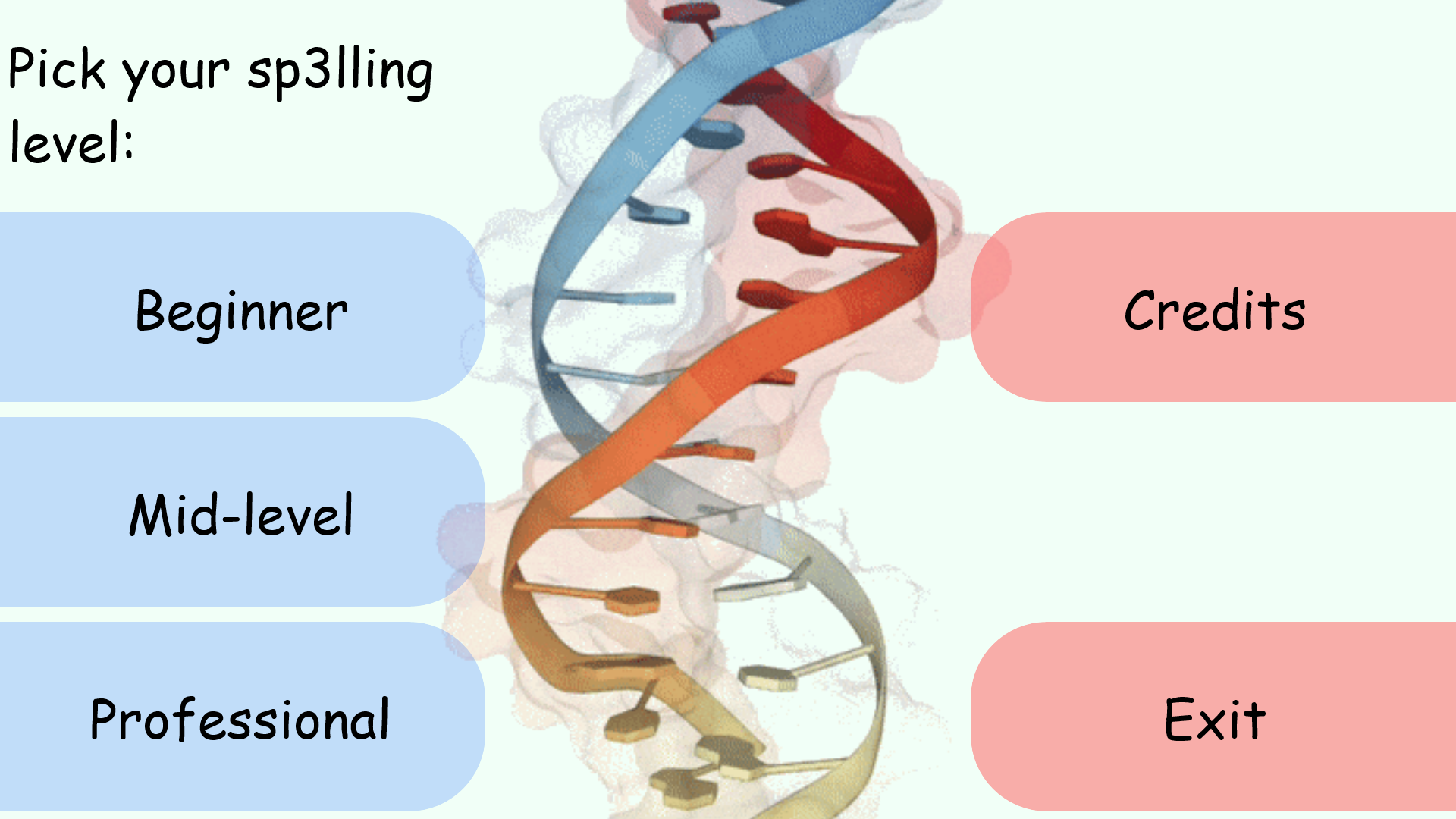
- Changed “spelling” to “sp3lling” on the main menu, as it was inconsistent with the stylised spelling throughout the rest of the application and related documentation.
Test plan
The application is tested using three different types of testing. Below are the results of each.
Unit testing
Unit testing was used to run automated tests on parts of the application’s code and ensure they continue working throughout the development of the application.
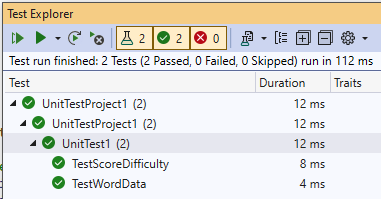
System testing
As the application is heavily UI-based, system testing was used to perform tests that could not easily be performed through unit testing.
| # | Case | Expected Result | Actual Result | Comments |
|---|---|---|---|---|
| 1 | From the main menu, choose a difficulty level. | A round of the game begins with the chosen difficulty. | After choosing beginner difficulty, the user was asked if “Tree” is spelled correctly. | |
| 2 | When asked if a word is spelled correctly, answer correctly. | The user is congratulated on answering correctly. | “You did it!” followed by the spelling. | Waiting for it to spell can get tedious. |
| 3 | When asked if a word is spelled correctly, answer incorrectly. | The user is reminded what the correct spelling of the word is. | “The correct spelling is:” followed by the correct spelling. | Same as #2. |
| 4 | From the results screen, click to play again. | Clicking the button returns the user to the main menu. | After clicking the button, the main menu is displayed. | |
| 5 | From the main menu, view the credits. | A dialogue displaying the credits is displayed. | A dialogue displaying a long list of credits is displayed. |
Usability testing
Usability testing was used to see how the application fared in the hands of real users! 10 questions were asked to 3 users.
1. Which sp3lling levels did you test?
All users tested the “Beginner” and “Professional” levels, and one tested the “Mid-level” level, so they should have a good idea of what’s what for the following questions.
2. How did you find the sp3lling difficulty?
All users answered “Just right”. Self-explanatory.
3. How was the length of the 10-question sp3lling round?
2 users answered “Just right” and one answered “Too long”. Perhaps a slight reduction is in order, such as 5 to 8 questions per round instead.
4. Was the text easy to read?
All users answered “Yes”. Evidently, large Comic Sans MS is readable.
However, I observed that users could lose track of the mouse cursor, as it is quite small compared to everything else and blends into the yellowish background somewhat. How much an issue this is depends on the system cursor settings.
5. How much did you experience of various emotions whilst using this application?
Two users experienced “A little” of “Positive emotions” and one user “A lot”.
Two user experienced “A lot” of “Negative emotions” and one user “None”.
This shows that the testers had a negative experience, but admittedly doesn’t explain why. One user displayed disdain at one of the AI-generated genetically modified bears on the hard finish screen missing an eye.

6. Were there any bugs or other issues you encountered?
Responses gathered:
- No bugs encountered
- The narrator slowing and talking twice
- there was one. after answering ‘airplane’ question. There was no correct/fail screen like previous questions.
As a result of this feedback, I (hopefully) fixed the bug where the narrator talks twice. It is unclear if the bug where the answer is skipped is still present, as this seems like an intermittent thing.
7. How much would you be willing to pay for this? For either yourself or a loved one.
Responses gathered:
- 99p
- £1
- A packet of crisps
From this it is clear the software isn’t worth very much and should cost no more than 99p.
8. Were there any barriers preventing you from fully enjoying the quiz?
This question focused on disabilities and similar issues to assess its accessibility. No-one selected any of the options (“Visual impairment”, “Deafness”, “Dyslexia”, “I don’t speak English”, “Yes, but I’d rather not specify”). One wrote “None” into the “Other” field. The sample size is too small to accurately comment on this.
9. Has your sp3lling knowledge improved as a result of taking the quiz?
2 answered yes and 1 answered no. It seems the application is successfully educational.
10. Do you have any other comments?
Responses gathered:
- I liked the images, especially the pandas
- Amazing app
- Poor bear at the end of quiz 3 :(
It sounds like the use of images brought the application to life.